Zurück zu Tutorials
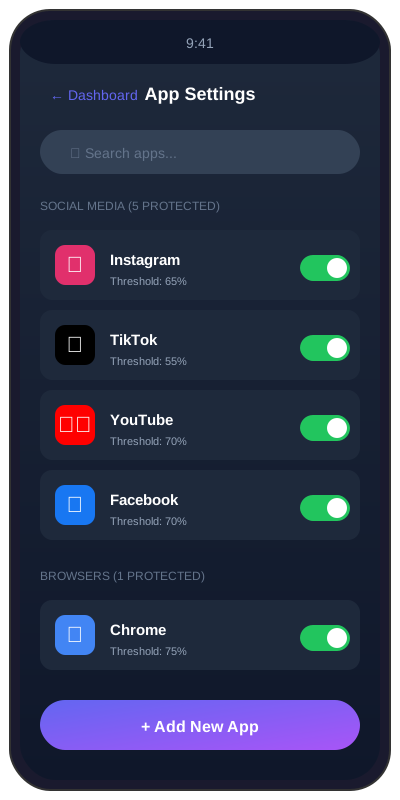
Apps zum Überwachen auswählen
Die Auswahl mit 5 Kategorien: Schalten Sie genau die Apps ein, die SoundAlert im Blick behalten soll.
2 min
beginnerSchritt 1 / 333% Abgeschlossen
1
Open the Settings tab
Tap the Settings tab in the bottom navigation. Scroll to the "Apps to monitor" section — you'll see 5 category chips across 3 rows.