Retour aux tutoriels
Choisir les applications à surveiller
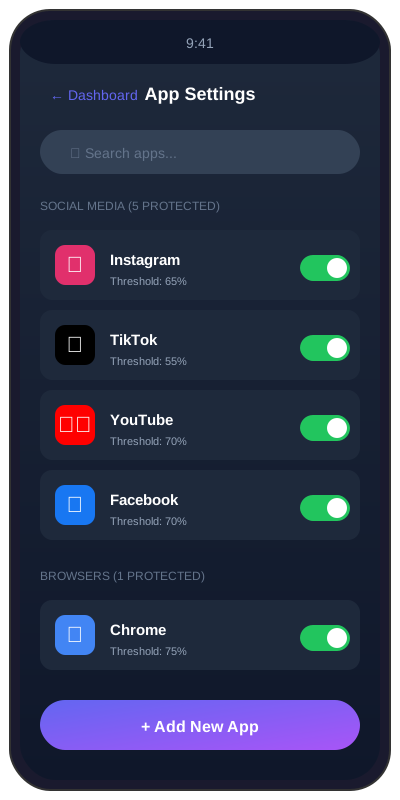
Le sélecteur en 5 catégories : activez exactement les applications que SoundAlert doit surveiller.
2 min
beginnerÉtape 1 / 333% Terminé
1
Open the Settings tab
Tap the Settings tab in the bottom navigation. Scroll to the "Apps to monitor" section — you'll see 5 category chips across 3 rows.