Back to Tutorials
Install and set up SoundAlert
From the Google Play download to the first automatic volume reduction — every step.
3 min
beginnerStep 1 / 813% Complete
1
Download from Google Play
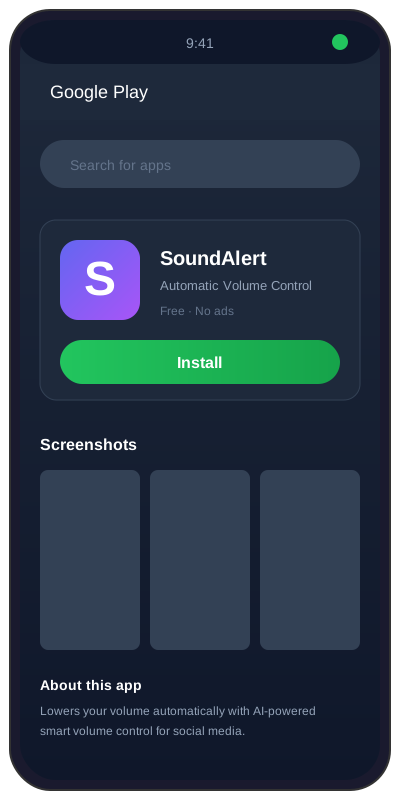
Open Google Play on your Android device and search for "SoundAlert". Tap Install. The app is free with optional PRO (€3.99) and LIFETIME (€7.99) upgrades — no subscription.
Pro Tips
- •Android 7.0 or newer required
- •No account, no sign-up, works offline
- •Works on phones and tablets