Back to Tutorials
Pick the apps to monitor
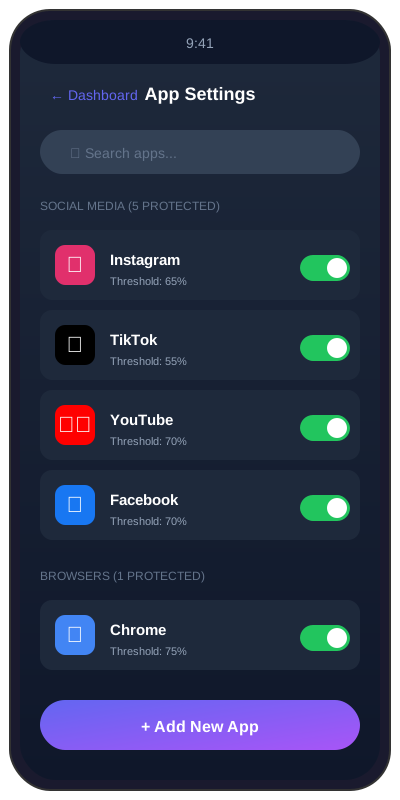
The 5-category picker: switch on exactly the apps you want SoundAlert to watch.
2 min
beginnerStep 1 / 333% Complete
1
Open the Settings tab
Tap the Settings tab in the bottom navigation. Scroll to the "Apps to monitor" section — you'll see 5 category chips across 3 rows.