How Auto-Reduce Works: The Technology Behind SoundAlert
Ever wondered how SoundAlert lowers your volume within about a second — without you doing anything? Here's a deep dive into the technology that makes it possible.
SoundAlert Editorial Team
SoundAlert
The Core Idea
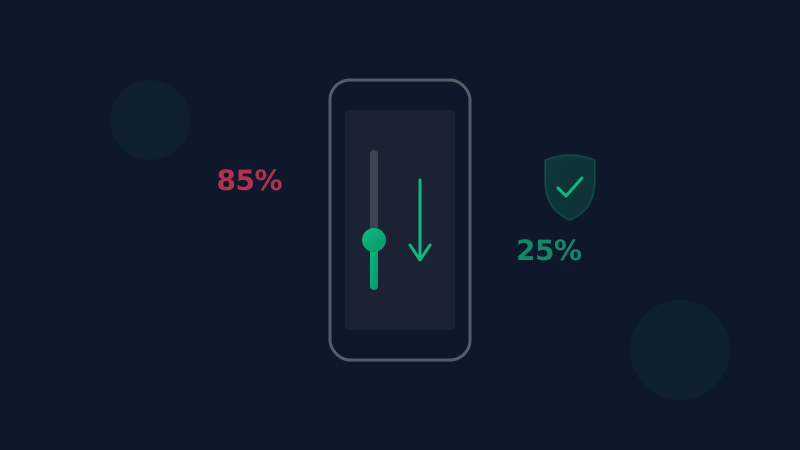
SoundAlert's Auto-Reduce feature does one thing incredibly well: it notices when your volume is above your limit and lowers it within about a second — before anyone hears.
No notifications to dismiss. No buttons to press. It just works.
How It Works: Step by Step
Step 1: Continuous Monitoring
While protection is switched on, SoundAlert checks your device's media volume about once per second. This happens through Android's AudioManager API, which gives us access to volume levels without recording any audio.
Important: SoundAlert never listens to or records your audio. It only checks the volume level number.
Step 2: App Detection
SoundAlert knows which apps you've selected for monitoring. When you open TikTok, YouTube, Spotify, or any other monitored app, SoundAlert activates its volume check.
This is done through Android's Usage Access permission (UsageStatsManager), which lets SoundAlert see which app is currently in the foreground — without reading any screen content, messages, or data inside the apps.
Step 3: Threshold Comparison
You set a maximum volume level (the "threshold"). The default is 50%; presets for 30% and 70% are one tap away, or you can set your own.
When SoundAlert detects that your current volume exceeds your threshold, it triggers the reduction.
Step 4: Automatic Reduction
The volume reduction happens within about a second. SoundAlert calls Android's volume API to lower the volume to your target level (default 15%) and shows a short confirmation that disappears on its own.
Why This Approach Is Better
vs. Volume Limit Settings
Android's built-in volume limit is a static cap. SoundAlert works differently — it only acts in the apps you choose, at the limit you set.
vs. Notification-Based Alerts
A warning on its own still leaves the work to you: by the time you read it and lower the volume, everyone around you may already have heard it. SoundAlert acts automatically.
vs. Doing Nothing
We pick up our phones many times a day, and any of those moments can start with a video at the wrong volume. Nobody can watch for that every time — software can.
At a Glance
- •80+ supported apps in 5 categories (social, messaging, browsers, video, music)
- •A light check about once per second, only while protection is on
- •Unlimited auto-reduce, even in the free version (1 app)
Privacy First
The monitoring works offline and SoundAlert collects no data. Your volume settings, app usage, and listening habits never leave your device. We couldn't access your data even if we wanted to.
Try It Yourself
The Auto-Reduce feature works in both FREE and PRO tiers. Free users get 1 monitored app with unlimited auto-reduce, forever. PRO and LIFETIME users unlock all apps.
Download SoundAlert and experience the peace of mind that comes from knowing your volume is handled — automatically.
Written with the help of AI; the SoundAlert editorial team checks and updates our articles.
Ready for No More Loud Surprises?
Download SoundAlert for free and let it lower your volume automatically — before anyone hears.
Download Free