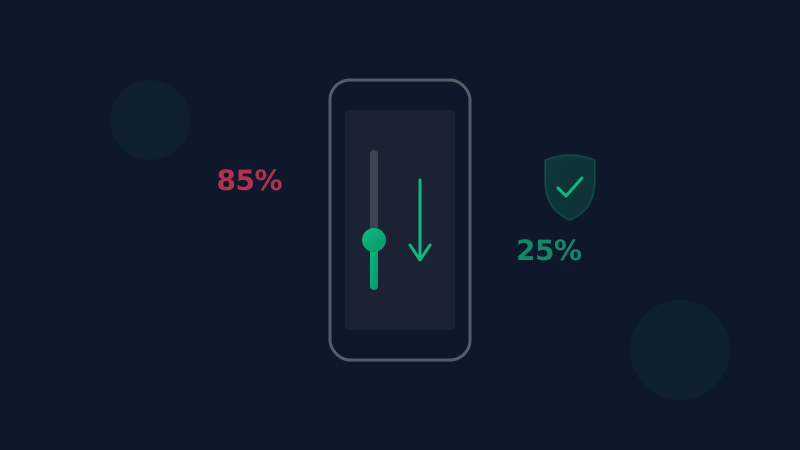
Auto-Reduce, Alerts and Emergency Mode: How SoundAlert Steps In
SoundAlert can lower your volume by itself, ask you first, or mute media on request. How each mode works and what FREE, PRO and LIFETIME include.
SoundAlert Editorial Team
SoundAlert
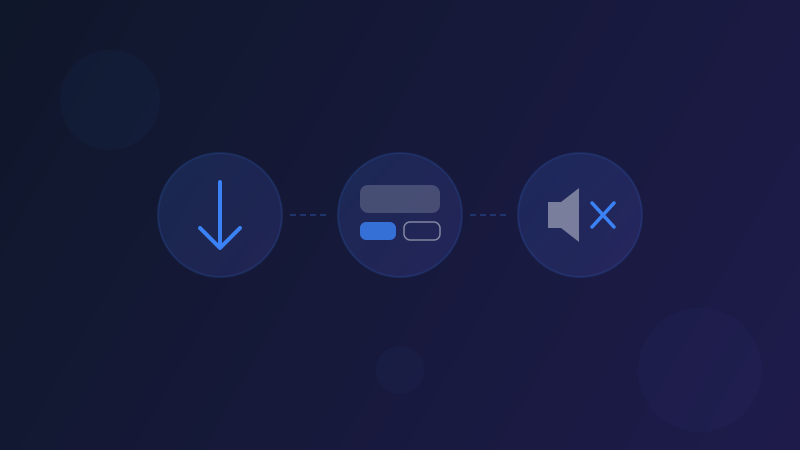
SoundAlert has one job: lower your media volume automatically, before anyone hears. It can step in in three ways: Auto-Reduce, an alert with REDUCE NOW and Keep buttons, and Emergency Mode. Here's how each one works, when to use which, and what's included in FREE, PRO and LIFETIME.
What SoundAlert watches
All three work with the same thing: your phone's media volume setting, the volume for videos, music, browsers and social apps. SoundAlert checks it about once a second when:
- •protection is turned on,
- •one of the apps you chose to protect is open, and
- •the screen is on and unlocked.
It doesn't use a microphone and doesn't measure sound. It never touches ringtone, call, notification or alarm volume.
Two settings drive everything:
- •Alert when volume is above: your limit, 50% by default. Presets: Quiet 30%, Normal 50%, Loud Environment 70%.
- •Reduce to level: where the volume goes, 15% by default.
Phones change volume in steps, so the result lands on the nearest real step. On a phone with 15 steps, 15% becomes 13%.
Mode 1: Auto-Reduce (on by default)
When the media volume in a protected app goes above your limit, SoundAlert lowers it to your reduce-to level within about a second and shows a short green confirmation, "Volume auto-reduced". Since version 1.0.5 this happens silently.
It works whether you open an app with the volume already high or turn it up while you're in the app. If you turn the volume back above the limit, it's lowered again; that's the point of the feature. To allow more in a particular app, raise the limit, switch that app off, or turn Auto-Reduce off.
Good for: places where you never want to think about it, like a sleeping baby, a meeting or a quiet train.
Mode 2: The alert with REDUCE NOW or Keep
Turn Automatically reduce off in Settings and SoundAlert asks instead of acting. When the volume goes above your limit, you get a "High volume!" alert with two buttons:
- •REDUCE NOW lowers the volume to your reduce-to level.
- •Keep leaves it as it is and closes the alert.
You also get this alert when Auto-Reduce is on but the volume can't be lowered, for example with some car systems that use a fixed volume.
The Keep rule
After Keep, SoundAlert won't alert you again while you stay in that app at that level. A new alert comes when:
- •30 minutes have passed,
- •you leave the app for 5 seconds or more and come back,
- •the screen turns off and on again,
- •the volume drops to your limit or below and later goes above it again, or
- •you change the rule, by turning Auto-Reduce on or changing the limit.
Good for: people who sometimes want it loud on purpose and prefer to decide each time.
Mode 3: Emergency Mode (PRO)
Emergency Mode lives in the Smart Features tab. Tap Activate Emergency Mode, confirm, and the media volume goes to 0. Calls, notifications and alarms keep ringing as before. When you're ready, Restore brings back the level you had before.
Since version 1.0.5, the SOS button on SoundAlert's home-screen widget turns on the same Emergency Mode (PRO, LIFETIME and the trial).
Good for: when you want media silent without looking for the right app or slider.
Which one should you use?
- •Hands-off: keep Auto-Reduce on (the default).
- •You want to decide each time: turn Auto-Reduce off and use REDUCE NOW or Keep.
- •You need media silent now: Emergency Mode, then Restore when you're ready.
You can combine them: leave Auto-Reduce on, and keep Emergency Mode for the moments you want silence.
FREE, PRO and LIFETIME
When you first open SoundAlert you get a 7-day full-access trial. There are no payment details and nothing to cancel. After that:
- •FREE: 1 protected app, unlimited Auto-Reduce, no ads, no time limit.
- •PRO: a one-time purchase (€3.99; Google Play shows the price in your currency). All 80+ supported apps plus Emergency Mode.
- •LIFETIME: a one-time purchase (€7.99). Everything in PRO, plus AI Volume Learning, separate learned levels for the phone speaker and headphones, a sound profile you can share, and future updates included.
AI Volume Learning works on your phone, from your own volume choices. It suggests levels that fit each app, and nothing changes until you tap Apply.
There are no subscriptions, and Auto-Reduce and alerts are unlimited in every version.
Privacy, briefly
All three modes work offline. SoundAlert uses Usage Access only to know which app is open, has no camera or microphone access, and collects no data. More in our article on what a volume app needs access to.
Get SoundAlert on Google Play and start free with one app.
Written with the help of AI; the SoundAlert editorial team checks and updates our articles.
Ready for No More Loud Surprises?
Download SoundAlert for free and let it lower your volume automatically — before anyone hears.
Download Free