Why Do Some Apps Sound Louder Than Others on Android?
Your music sounds fine, then YouTube or TikTok opens far too loud at the very same volume. Here is what is really going on, and what you can do about it.
SoundAlert Editorial Team
SoundAlert
Your music sounds fine, then you open YouTube or TikTok and the very same volume suddenly feels far too loud. Nothing is broken. Once you know why some apps sound louder than others on Android, it's much easier to avoid the surprise.
One media volume, many kinds of content
Android has separate volume settings for media, calls, ringtone, notifications and alarms. But inside media there is just one setting, shared by every app that plays video or music. Spotify, YouTube, Chrome and Instagram all use the same media volume.
That volume is a setting, not a measurement. 50% means the slider is halfway. It doesn't mean "a comfortable level". How loud 50% actually sounds depends on what is playing.
Why the same setting sounds different
Content is made at different loudness
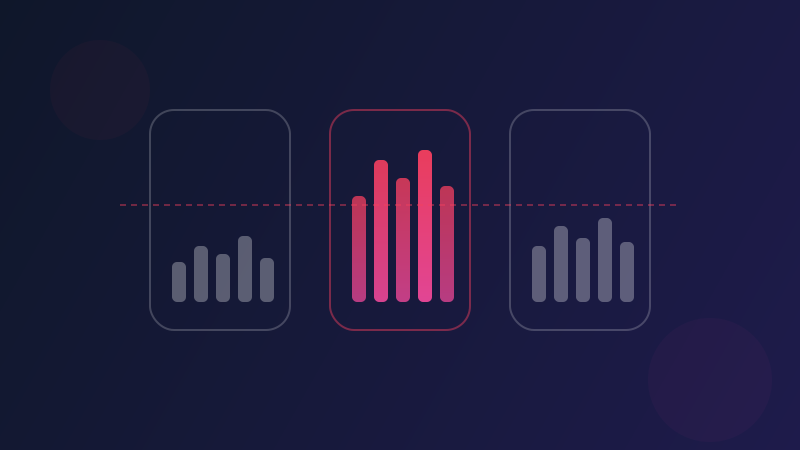
A studio-produced song, a clip filmed on a phone, a podcast and an ad are all made by different people with different tools. Some are mixed to sound punchy and loud, others are quieter with more ups and downs. Played at the same volume setting, they can sound very different.
Speech, music and effects behave differently
A quiet conversation followed by a burst of music in the same video can make you reach for the volume. Short videos often open straight into music or a sound effect, with no gentle start.
Some apps even out loudness, others don't
Some music and video apps include a volume normalization option, or something similar, in their settings. It evens out the difference between tracks or videos. Not every app has one, and the details vary between apps and versions, so two apps can treat similar content differently.
Your surroundings change what "loud" feels like
On a noisy street you turn the volume up to hear anything. In a quiet bedroom the same setting seems much louder. The volume didn't change. The room did.
Why does TikTok (or YouTube) open so loud?
Often the bigger reason isn't the app at all. It's timing.
Feed-based apps start playing as soon as you open them. Whatever media volume you left behind earlier, from a podcast on the train, a film or a game, is still set when the first video starts. Combine a high leftover volume with a clip that opens straight into sound, and the first second can be much louder than you expected.
Headphones add one more twist: Android keeps a separate media volume for the phone speaker and for headphones or Bluetooth. Take your earbuds out and the speaker uses its own level, which may be higher than you remember.
What you can do about it
Look for a normalization option
In your music and video apps, check the playback or audio settings for an option that evens out volume between tracks or videos. If it's there, try it.
Lower the volume before you open a video app
The simplest habit: press volume down before you tap the app, especially somewhere quiet. Turning it up a step is easy. Catching a loud start is not. Our guide on stopping videos from autoplaying loud has more habits like this.
Check for a media volume limiter
Some phones, including many Samsung models, have a media volume limiter in their volume settings. It sets a maximum for media volume in every app. Your phone's description of the setting tells you exactly when it applies.
Let your phone handle the moment you forget
SoundAlert takes a different approach from a fixed maximum. You choose the apps, for example YouTube, TikTok and Instagram, and set a limit. While one of those apps is open, SoundAlert checks the media volume about once a second. If it's above your limit, it lowers it to your chosen level automatically. Outside those apps, your volume is left as it is.
It's worth being clear about what it doesn't do. SoundAlert works on the volume setting, not on how loud the content is. It has no microphone and doesn't measure sound, so a video that is loud in itself at a low volume setting won't be caught. If that happens often, a lower limit helps; the Quiet preset sets it to 30%.
The short version
- •Every media app on Android shares one volume setting, but content is made at very different loudness.
- •The volume left over from earlier, plus videos that start playing straight away, explains most loud starts.
- •Normalization options, a quick volume check before opening an app, and a limit in the apps you choose all help.
Want the volume handled for you in the apps that start loud? Get SoundAlert on Google Play. It's free for one app, with no ads.
Written with the help of AI; the SoundAlert editorial team checks and updates our articles.
Ready for No More Loud Surprises?
Download SoundAlert for free and let it lower your volume automatically — before anyone hears.
Download Free